
Image to Text
Image paragraphs, headings and lists as copyable text.
- JPG + PNG
- TXT
- 10 MB
Image to Text
Orchard project update

2026-10-08 DOC-00017 Review version 03

The team is preparing an editable archive of internal project notes. Each document should keep its headings, numbered actions and table content so reviewers can continue working in a document editor.

The material in this sample is synthetic and contains no real customer information. Dates, owners and task statuses are example values for review.

Delivery scope

1. Review source order and important identifiers.
2. Keep tables editable for the next review.
3. Save the approved text as a Word document.

Review schedule

Milestone	Owner	Due	Status
Draft review	Alex	October 12	Ready
Table check	Morgan	October 14	Pending
Final archive	Taylor	October 16	Planned

Next actions

7. Verify DOC-00017 and all due dates.
8. Compare the exported tables with the source.

Cost per document = monthly budget / reviewed documents

Reference

https://example.com/docs/document-review?revision=2026-10
Text material and recognized content
Synthetic material
Source file
Report with paragraphs and table
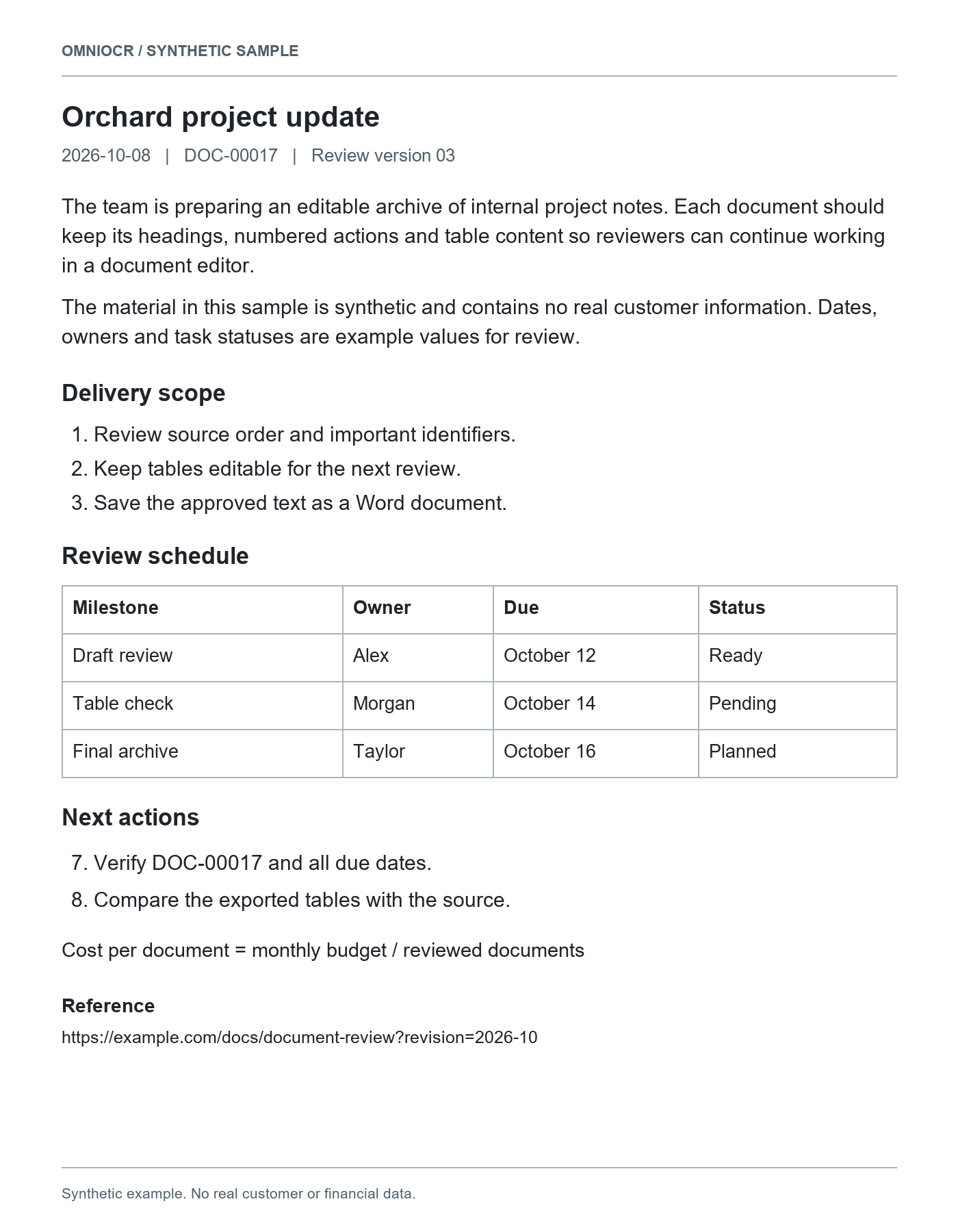
Recognized result
Orchard project update

2026-10-08 DOC-00017 Review version 03

The team is preparing an editable archive of internal project notes. Each document should keep its headings, numbered actions and table content so reviewers can continue working in a document editor.

The material in this sample is synthetic and contains no real customer information. Dates, owners and task statuses are example values for review.

Delivery scope

1. Review source order and important identifiers.
2. Keep tables editable for the next review.
3. Save the approved text as a Word document.

Review schedule

Milestone	Owner	Due	Status
Draft review	Alex	October 12	Ready
Table check	Morgan	October 14	Pending
Final archive	Taylor	October 16	Planned

Next actions

7. Verify DOC-00017 and all due dates.
8. Compare the exported tables with the source.

Cost per document = monthly budget / reviewed documents

Reference

https://example.com/docs/document-review?revision=2026-10
Check names, dates, and amounts against the source before reuse.
Source material
Printed text
Complete paragraphs, lists and clear headings are common sources.
Photographed pages
Keep the surface flat and avoid obscuring text, edges or footers.
Scans and screenshots
Review digits, letters, punctuation and long links.
Text delivery formats
| Format | Content | Boundary |
|---|---|---|
| Plain textTXT | Paragraphs, wording and list numbers | No font or table styling |
| MarkdownMD | Headings, lists and recognized source content | Review table and formula notation in your editor |
| WordDOCX | Editable paragraphs, headings, lists and supported tables | Layout, images and formulas can differ from the source |
Wording and structure
| Content | What is retained | Boundary |
|---|---|---|
| Body text | Recognized wording you can copy | Review important content; character accuracy is not guaranteed |
| Headings and lists | Recognized structure in Markdown and Word | Plain text does not retain the source fonts |
| Identifiers and links | Recognized numbers, symbols and link wording | Review leading zeros, line endings and destinations |
| Tables and formulas | Reviewable source text and supported structure | Prefer the table task for spreadsheet work |
Continue your work
Document excerpts
Bring printed or scanned paragraphs into research notes.
Project and meeting material
Keep dates, owners and numbered actions.
Continue editing
Export the same result to Word when document structure matters.
Review before reuse
Similar characters
Check 0/O, 1/l and punctuation, especially in IDs and code.
Complete line endings
Review long links, wrapped wording and cropped content.
Reading order
Compare columns, lists and tables with their source.
Material and workflow
This image
Copy or download its existing result without another OCR run.
Document editing
Image to Word defaults to editable document content.
PDF material
Use a PDF task to review page order and multi-page content.
Text extraction questions
Before you start
- JPG and PNG images are supported, up to 10 MB per file.
- Recognition uses the existing OCR credit rules; credits are charged after success.
- Recent results stay in this browser. The source image and recognized text are not stored in the application database.
Image text extraction
Image clarity, framing and text review
Working with JPG documents
Checks for photos and compressed images